Code Editor
Overview
A custom Python code editor for Maya.
It features syntax highlighting, file explorer,
terminal, and more.
How to Launch
Launch the tool from the dedicated menu or with the following commands.
import faketools.tools.common.code_editor.ui
faketools.tools.common.code_editor.ui.show_ui()
import faketools.tools.common.code_editor.ui
faketools.tools.common.code_editor.ui.show_ui(floating=True)Use floating=True to launch as a
floating window.
Use floating=False (default) to dock it to
Maya’s main window.
Interface
The tool interface consists of the following main components.
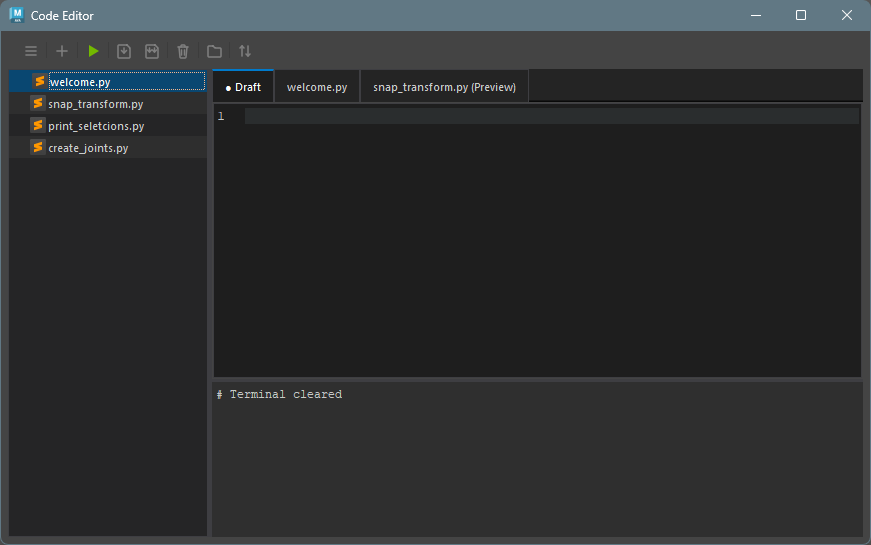
Toolbar
The toolbar provides quick access to main actions
like creating files, saving, and running code.
See Toolbar
Documentation for details.

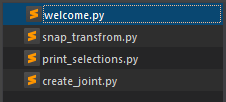
File Explorer
The file explorer displays the project directory
structure and makes file management easy.
See File
Explorer Documentation for details.
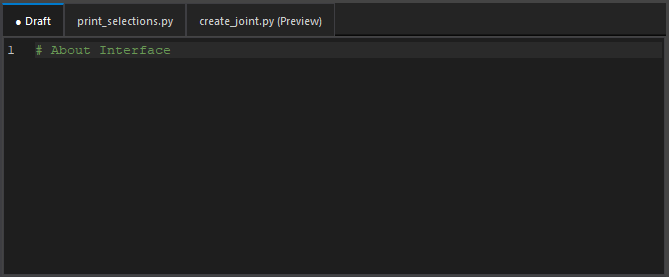
Code Editor
The code editor provides advanced code editing
features like syntax highlighting and error
checking.
See Code Editor
Documentation for details.
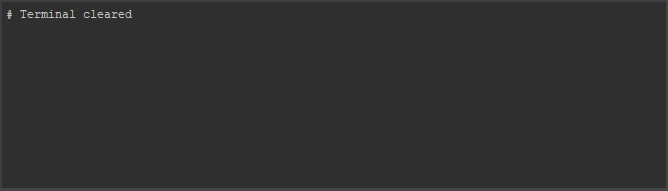
Terminal
The terminal displays code execution results and
error messages.
See Terminal
Documentation for details.
Running Code
- Click the + icon in the toolbar to create a new file.
- Enter Python code in the code editor.
- Click the Play icon in the toolbar to run the code.
- The execution results will be displayed in the output console.
Configuration Files
The tool saves configuration files in the following locations.
- User settings:
%MAYA_APP_DIR%/faketools_workspace/common/code_editor/config/user_settings.json - Session:
%MAYA_APP_DIR%/faketools_workspace/common/code_editor/config/session.json - Workspace settings:
%MAYA_APP_DIR%/faketools_workspace/common/code_editor/config/workspace.json - Workspace files:
%MAYA_APP_DIR%/faketools_workspace/common/code_editor/workspace/ - Autosave:
%MAYA_APP_DIR%/faketools_workspace/common/code_editor/workspace/.maya_code_editor_backups/
See User Settings for detailed configuration options.