Membership Handler
Overview
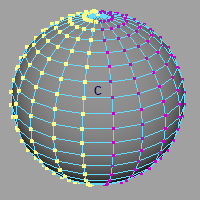
Edits deformer membership. Available only when component tag settings are enabled.
Only WeightGeometryFilter type deformers are supported.
How to Launch
Launch the tool from the dedicated menu or with the following command.
import faketools.tools.rig.membership_handler_ui
faketools.tools.rig.membership_handler_ui.show_ui()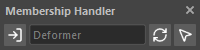
Launch Requirements
This tool is only available when component tags are enabled.
Enable component tags with the following settings:
- Navigate to
Preferences>Settings>Animation. - Configure the following three settings in the
Riggingsection:- Check
Use component tags for deformation component subsets. - Check
Create component tags on deformer creation. - Uncheck
Add tweak nodes on deformer creation.
- Check
Usage
Select the deformer to edit and press
 button.
 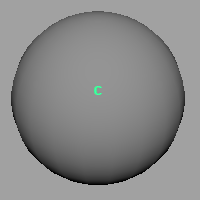 ※ In the image, a cluster deformer
handle is selected, but please select the deformer
itself when pressing the button.
※ In the image, a cluster deformer
handle is selected, but please select the deformer
itself when pressing the button.The selected deformer’s name is displayed in the middle field.
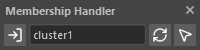
Press
 button to select membership registered
to that deformer.
button to select membership registered
to that deformer. 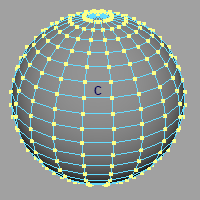
Select components to update and press
 button to update membership.